



Description
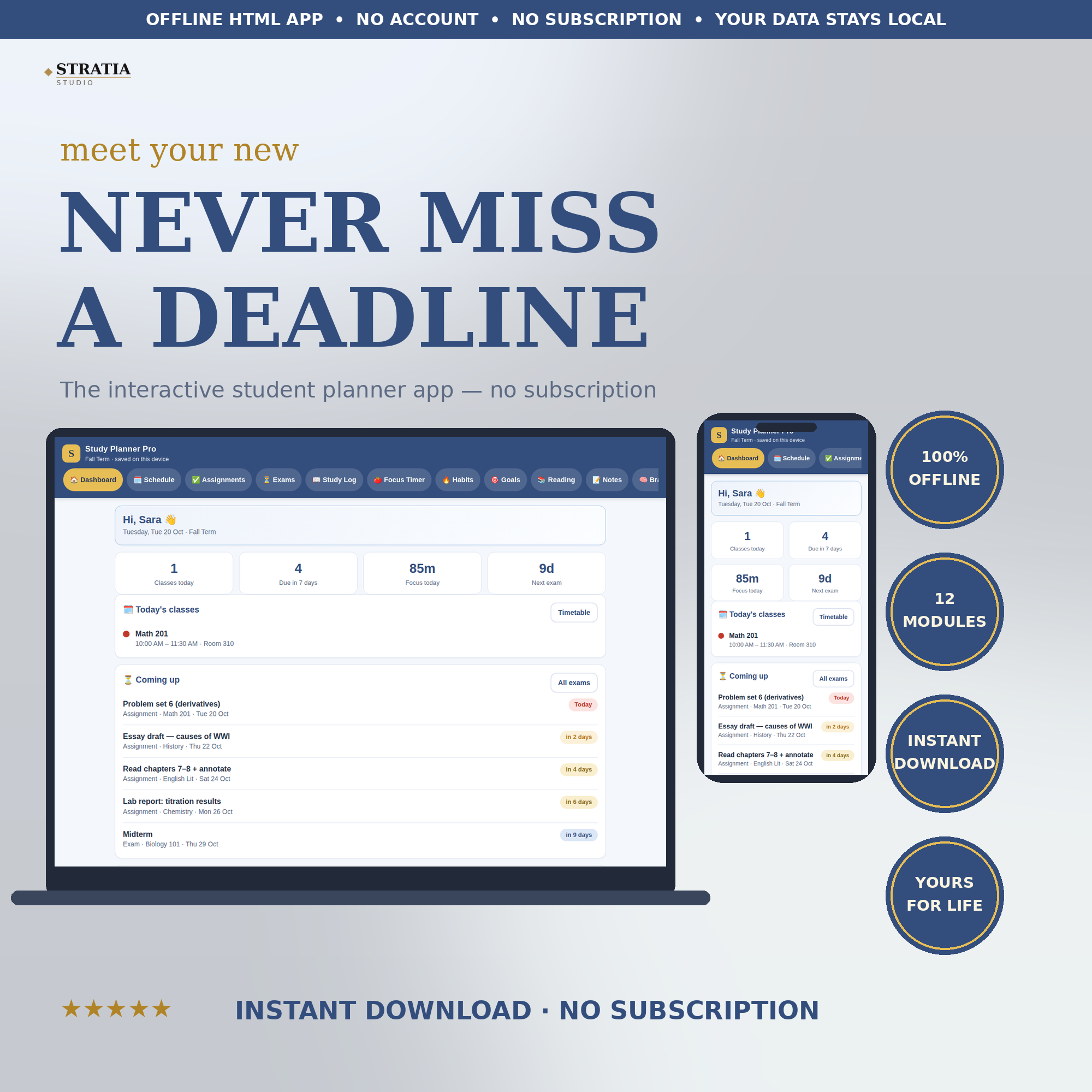
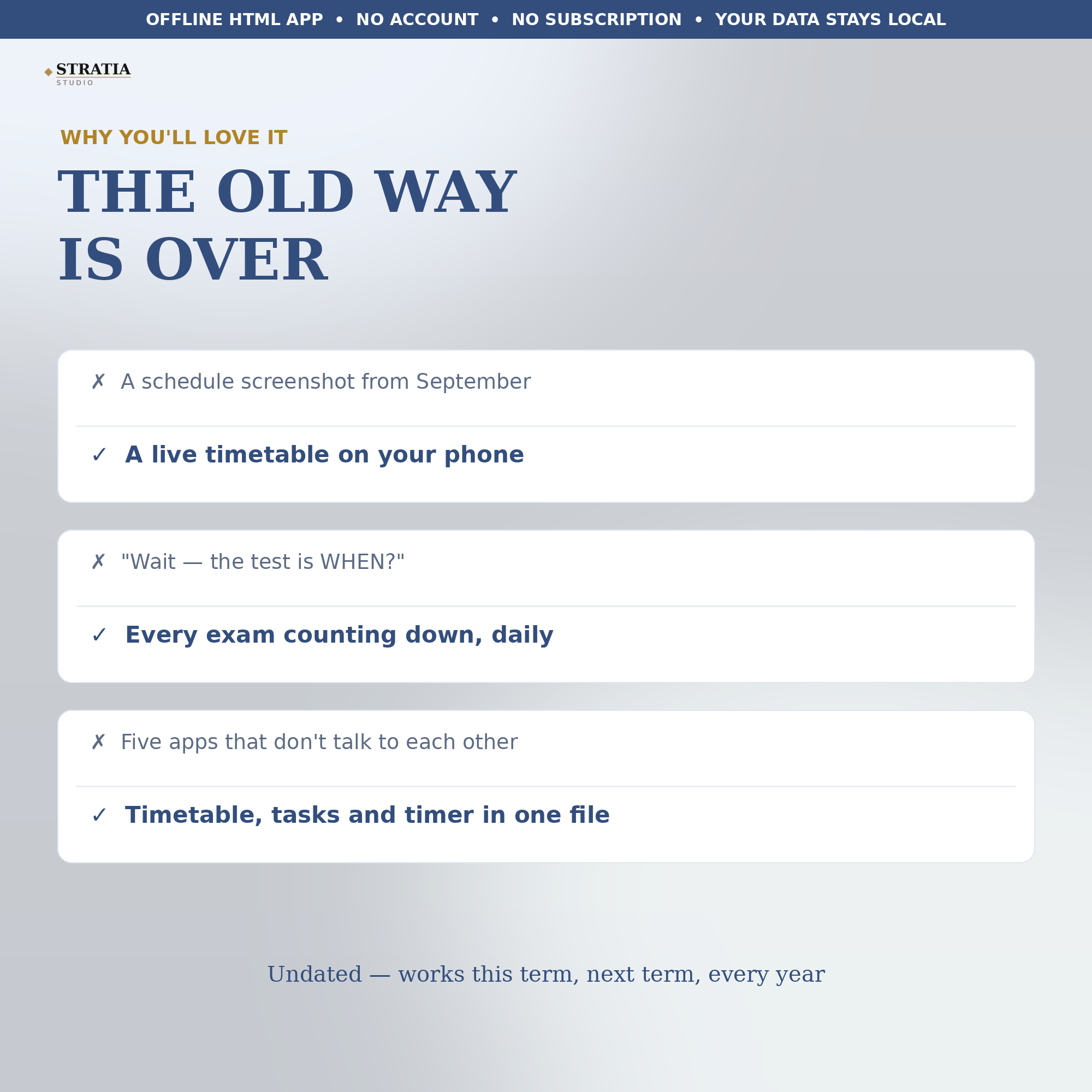
The midterm is in nine days, the essay is due Thursday, and your class schedule lives in a screenshot from September. Study Planner Pro puts your whole study life into one offline file that runs on your phone: timetable, assignments, exam countdowns, a Pomodoro focus timer, study log, habits, goals, reading list and notes, all in one place.
Open the dashboard in the morning and you see today’s classes, what is due this week, how many focus minutes you have banked, and exactly how many days are left before your next exam. Every countdown updates itself. Every total adds itself up. You type your own subjects — nothing is locked into someone else’s course list — and the whole thing works without an account, without internet, and without a monthly fee. Planner apps charge $5 to $8 a month for less than this. Study Planner Pro is $29.99 once, and it is yours for every term ahead.
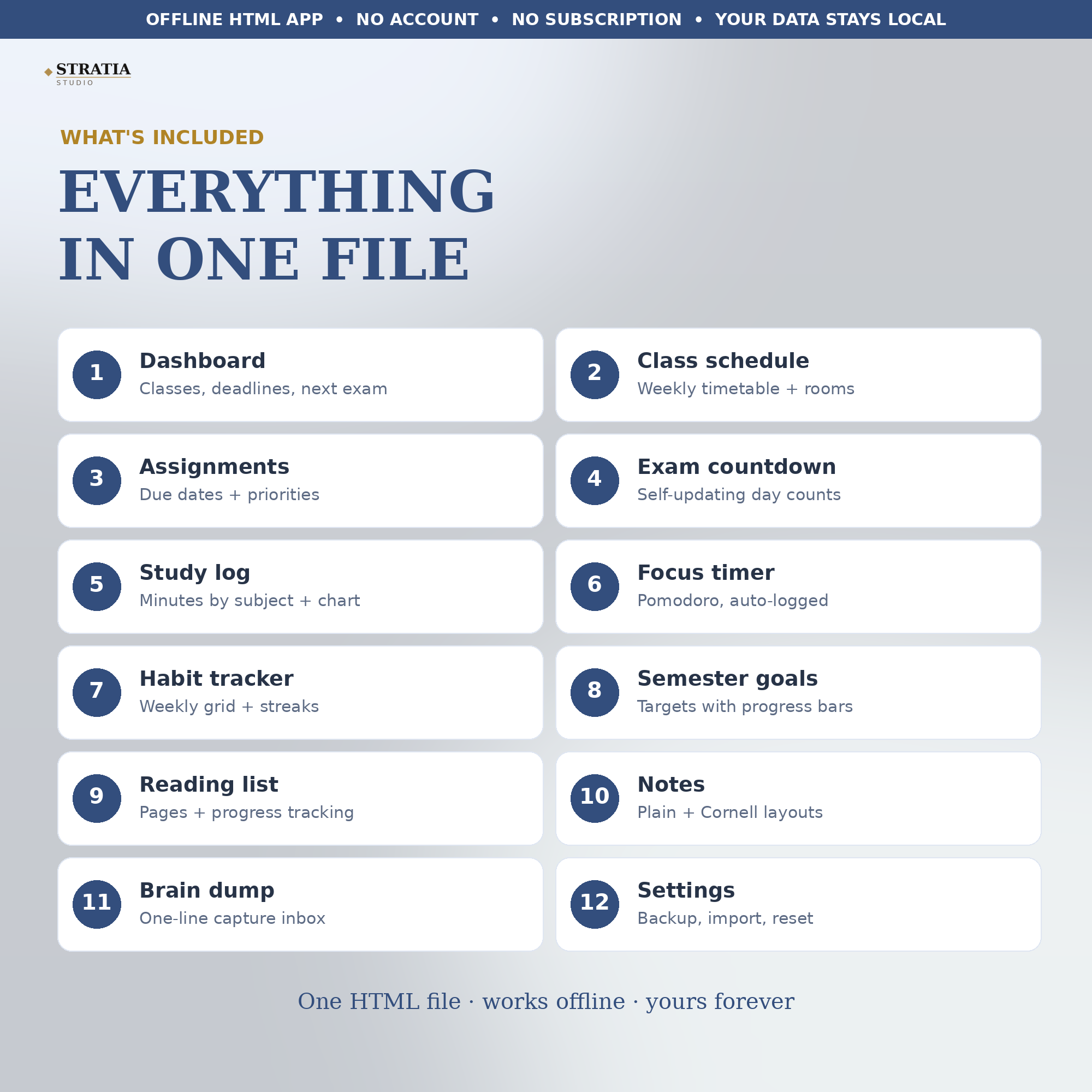
WHAT’S INSIDE (12 modules, one HTML file):
1. Dashboard — today’s classes, deadlines due in 7 days, focus minutes and your next exam at a glance
2. Class schedule — your weekly timetable with rooms, times and color coding for every class
3. Assignment tracker — due dates, priorities and status, with overdue and due-soon warnings
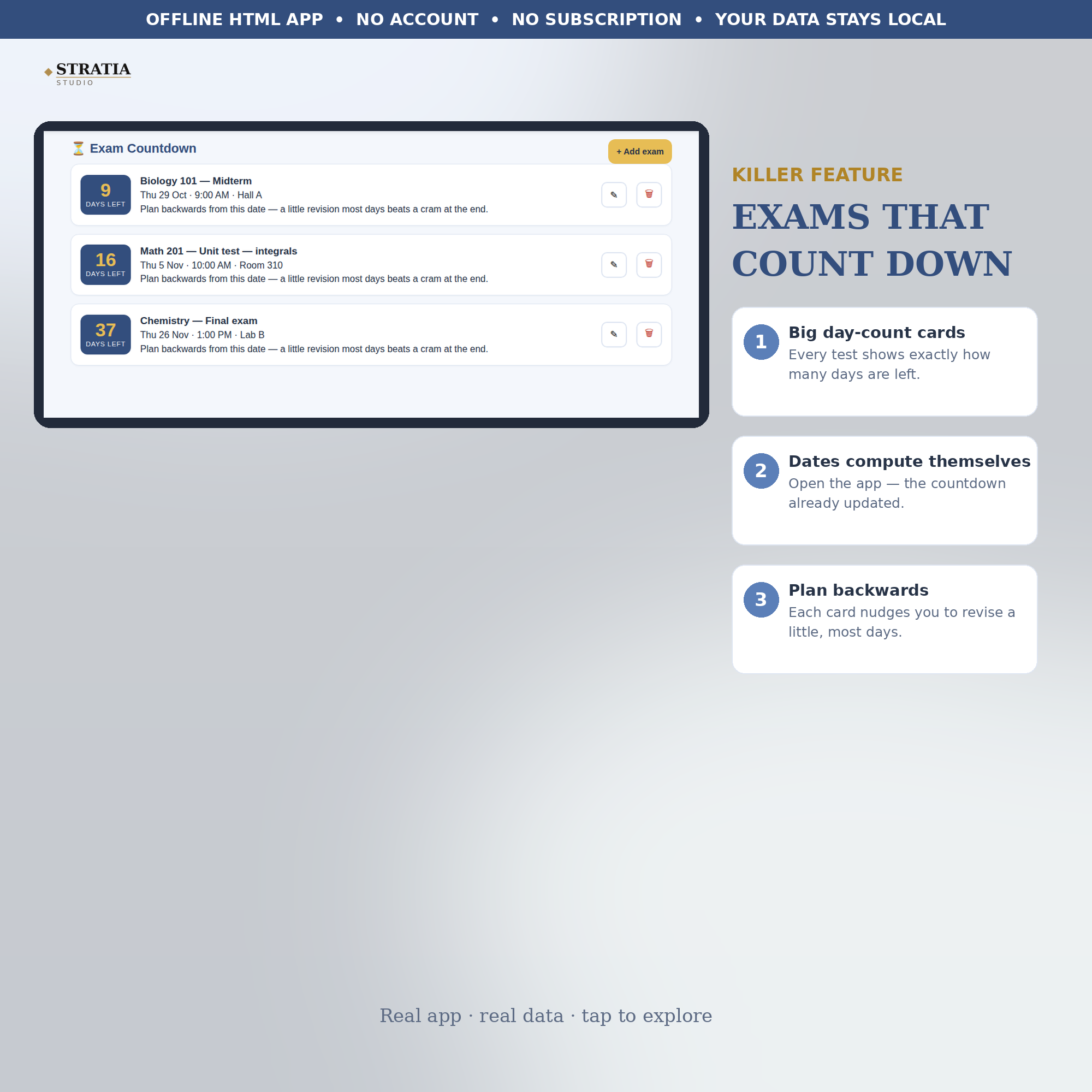
4. Exam countdown — big day-count cards for every test, so no exam date ever ambushes you again
5. Study log — sessions by subject and minutes, with a weekly chart of where your time actually went
6. Focus timer — Pomodoro presets (15/25/35/45/50 minutes) or your own length; finished sessions log themselves
7. Habit tracker — a weekly grid and streak counter for flashcards, reading and daily review
8. Semester goals — a target number per goal with a progress bar you can watch move
9. Reading list — every book with pages read and a progress bar, plus quick +10/+25 page buttons
10. Notes — plain notes plus a Cornell layout (cues, notes, summary) for lectures and revision
11. Brain dump — a one-line inbox for 1 a.m. thoughts, with a one-tap move into Assignments
12. Settings — your name and term, JSON backup export/import, and a full reset button
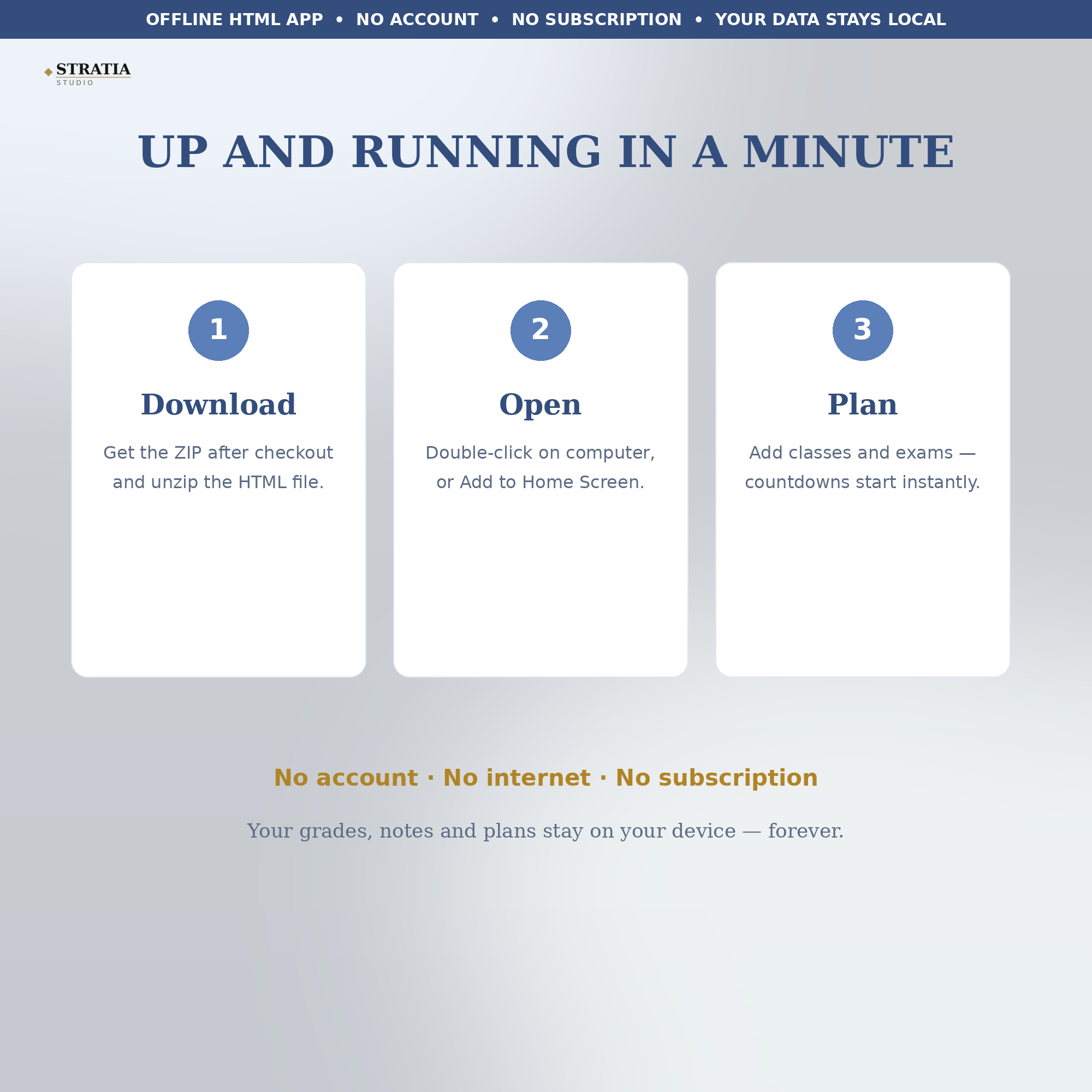
This is an instant digital download. You get one HTML file that opens in any web browser — nothing to install, nothing to sign up for, and your data never leaves your device. It is undated, so it works this term, next term, and every year after.
How to open:
On your phone: after checkout, download the ZIP file and extract it (your phone can do this with the built-in Files app). Tap the file named study-planner-pro.html — it opens in Safari or Chrome. For one-tap access, use Share > Add to Home Screen.
On your computer: download the ZIP, double-click to extract it, then double-click the HTML file — it opens in Chrome, Edge, Firefox or Safari.
Your progress saves automatically on your own device every time you make a change. No account, no internet connection and no subscription needed — the file works fully offline.

Reviews
There are no reviews yet